The Custom
Time Zone Clock
A handcrafted wall clock set to any city on Earth — the place you're from, the place you miss, or the place where the workday just ended. Made to order for your home bar, porch, or office.
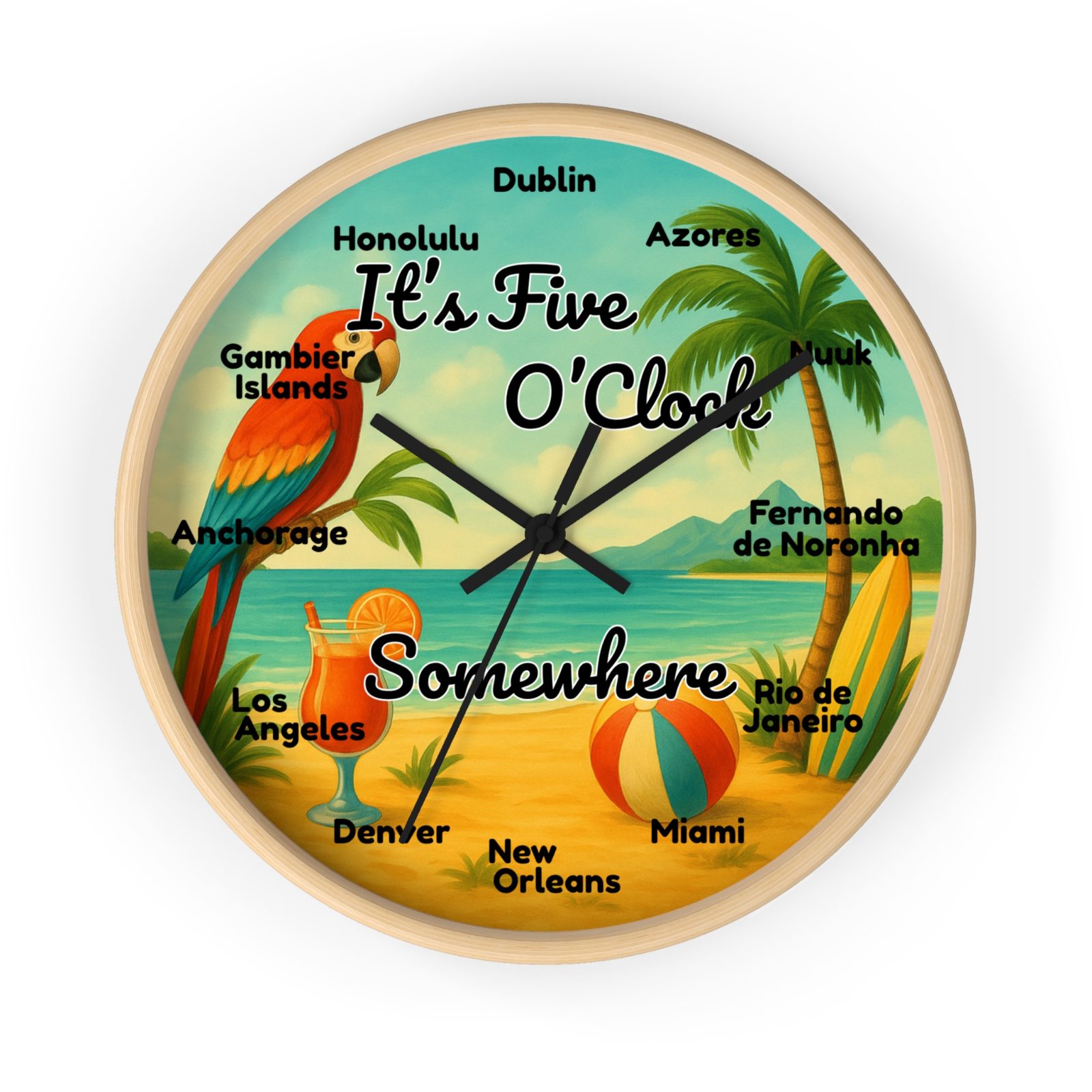
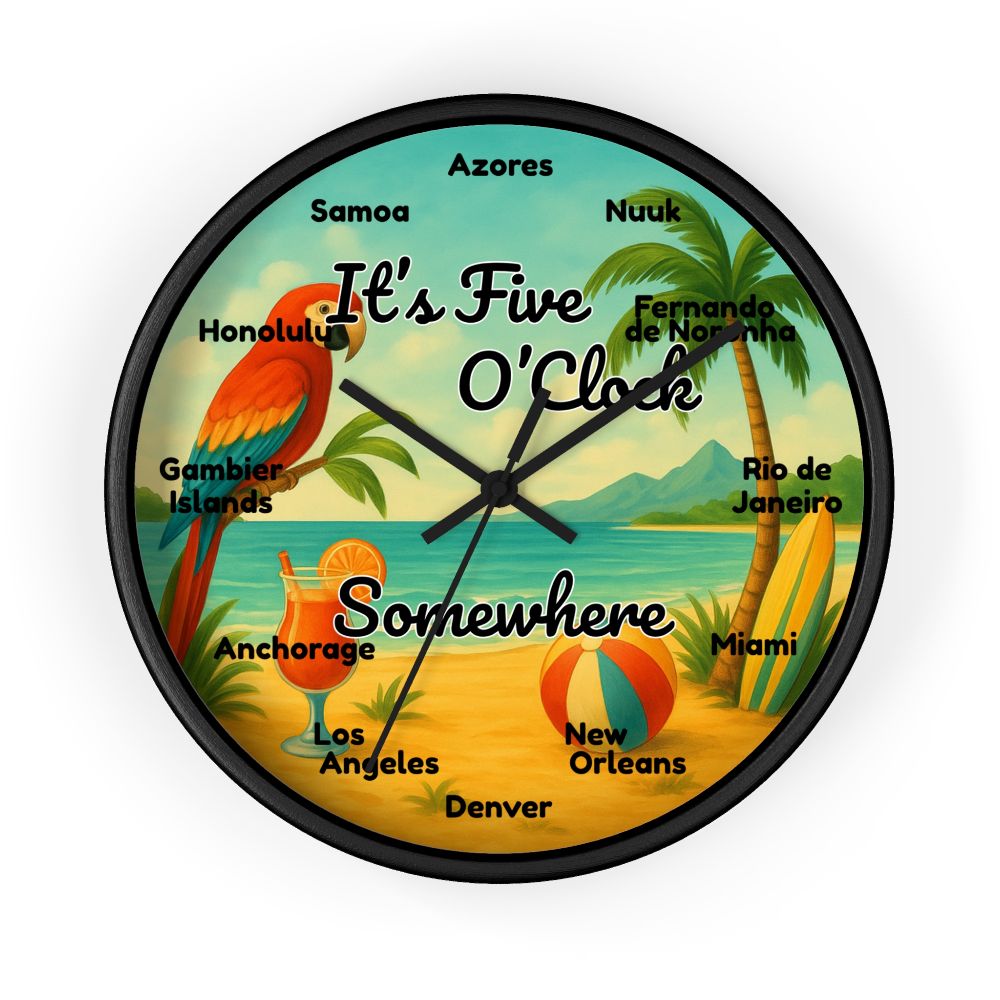
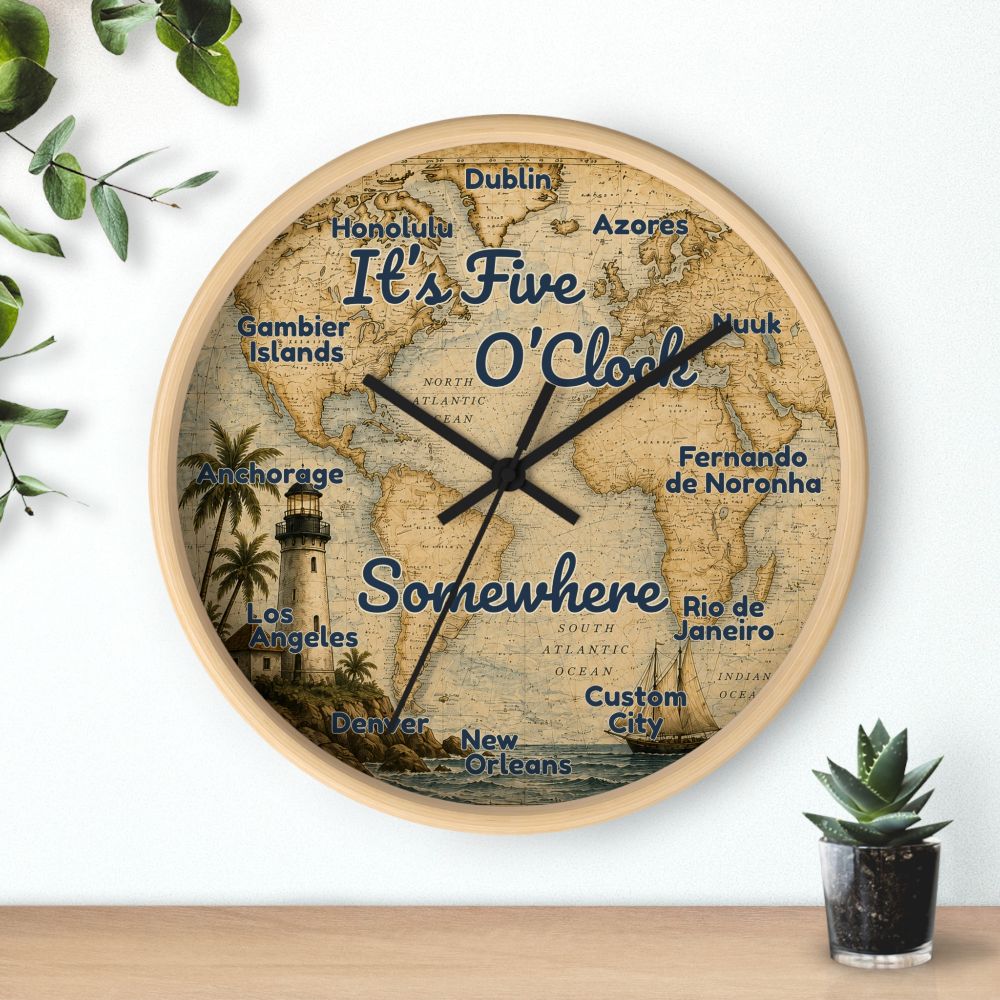
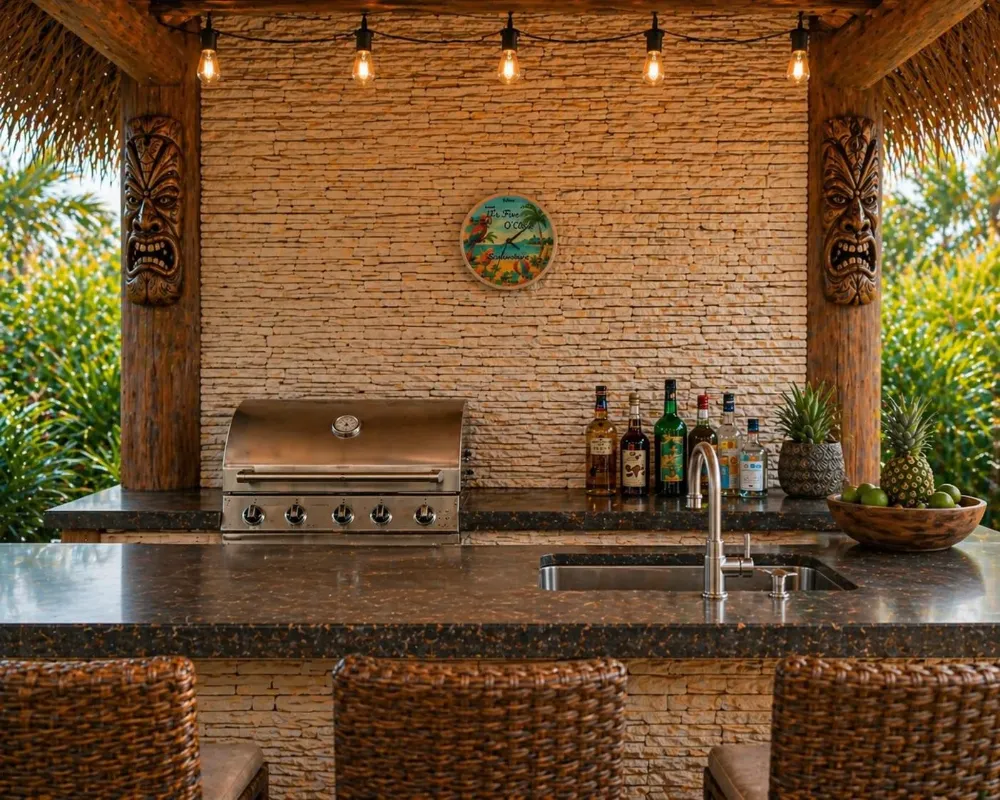
Secure checkout, reviews, and current pricing on our Etsy shop.
Somewhere on Earth, the workday just ended. Set your clock to that somewhere — a honeymoon city, a hometown, or wherever your happy hour lives.
Any city. Any time zone. Your wall.
A clock for the place you'd rather be
The planet is carved into 24 time zones, which means at every moment of every day, somewhere is hitting quitting time. (It's a real fact of geography — we wrote up the whole story of the saying.) A time zone clock makes that idea permanent: one glance and you know exactly what hour it is in the city you can't stop thinking about.
People hang them for a hometown across the ocean, a daughter studying abroad, the beach town from last summer, or simply the spot on the map where the umbrella drinks are already flowing. Whatever your somewhere is, we'll put it on your wall.